 Samy L.
What is a landing page (and why do you need one)?
A landing page is a web page built with one goal: to convert. Unlike your brochure website, which presents your business, a landing page guides visitors towards one specific action: request a quote, sign up, download, buy.
A dedicated page lines up the ad, the offer and the enquiry. It doesn't guarantee a conversion: targeting, clear content, proof and how you follow up enquiries matter too. A page built for search must still be useful to someone who hasn't seen your ad.
7 rules for a landing page that converts
1. A clear headline
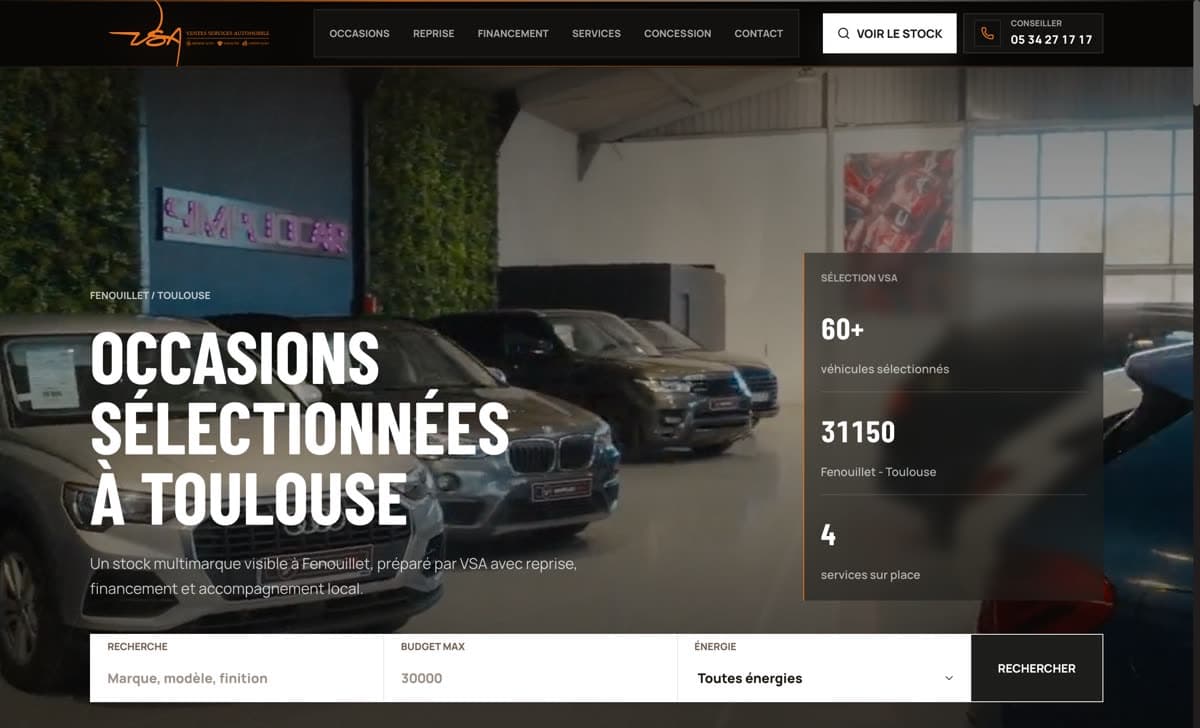
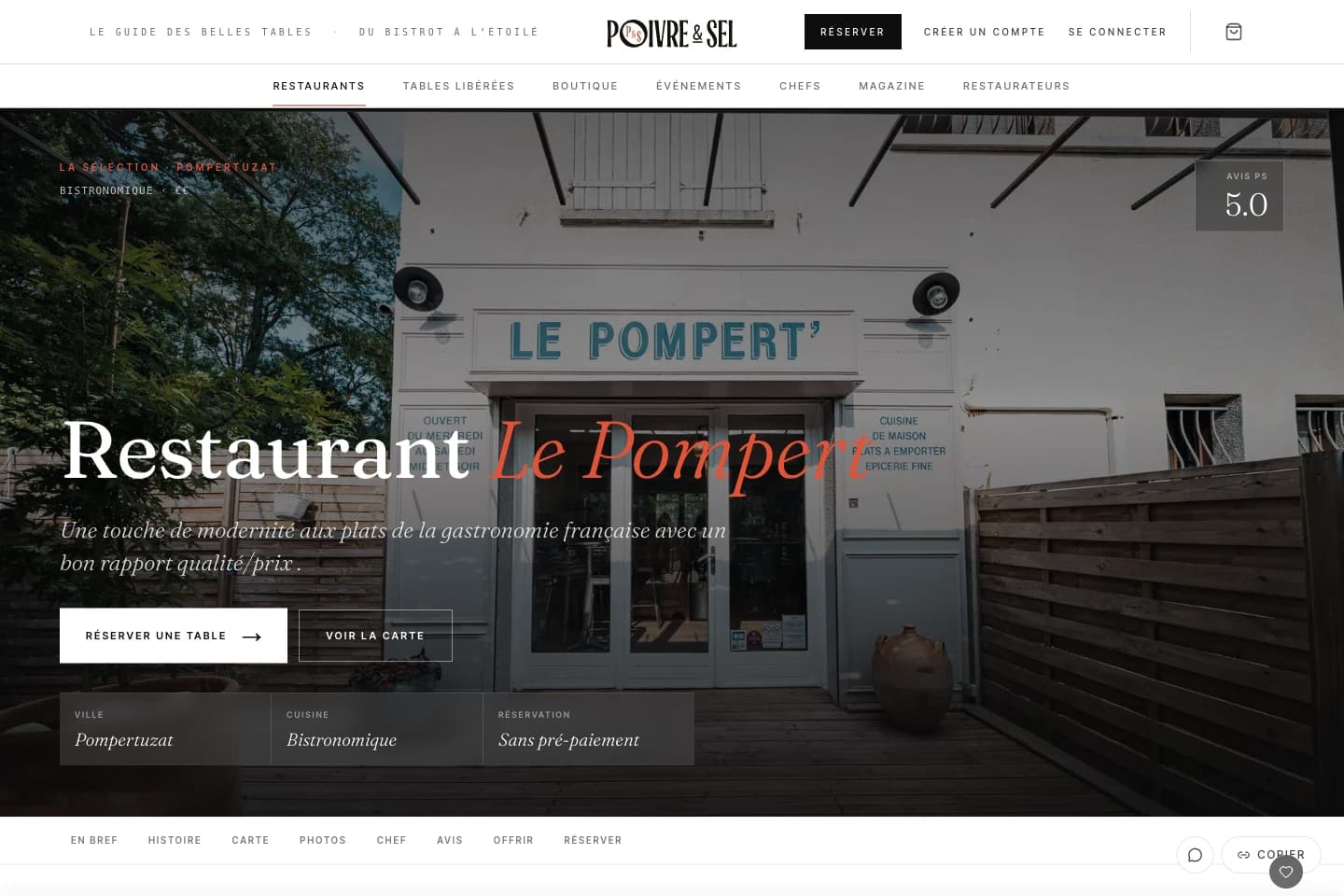
Your headline must answer the question: 'What can I do here?' Avoid jargon and unproven gains. For example, 'See our menu and book your table' announces a concrete action without promising to double your bookings.
2. A unique value proposition
Write in one sentence what sets your offer apart from a competitor's, and place it at the top of the page, visible as soon as people arrive.
3. A single call to action
Choose one main action and repeat it where it helps. Keep links to the information that reassures: past work, contact details and privacy. A page built for search should also let visitors explore the services related to their needs.
4. Social proof
Show an identifiable project, a named testimonial and images people can understand. Give the context of each reference. Don't turn a website example into proof of higher sales unless you have verifiable figures.
5. Professional visuals
Use real photos of your team, your products or your work. Every visual should help explain the offer or back up a claim. Choose a clear screenshot of a useful feature over an image that doesn't show what the client will get.
6. Loading speed
Check loading with the images, videos and tools actually on the page. Test on a phone: visitors must be able to read the offer and start their enquiry without waiting for an animation or for every file to download.
7. Mobile-first design
Check readability, button size, the form keyboard and error messages on a smartphone. Your own analytics will tell you your share of mobile visits, rather than applying a general statistic to every business.
Mistakes that lose you enquiries
- Text with no hierarchy: answer the key questions with headings and proof that are easy to scan
- A poorly judged form: ask for the information needed to qualify and handle the enquiry
- False urgency: only show a deadline if it reflects a real constraint
- Vague commitments: spell out the deliverables, timescales and terms that actually apply
How Capturit prepares a landing page
At Capturit, we prepare the offer, the visual proof and the journey to the enquiry. Before launch, we test the form and check that the information arrives. Visits and qualified enquiries are then used to assess the page: no conversion rate is guaranteed in advance.
To prepare your page, tell us the offer, the search or ad that will lead to it, the proof you have and who will answer enquiries. Plan to track the contacts actually received: a button click is not a qualified enquiry.
From this guide to your own enquiry journey
Our landing page offer explains how we prepare a page dedicated to a single offer. The Poivre & Sel website shows a journey towards booking. It is not a measure of advertising performance. For a paid campaign, targeting and tracking are prepared with our Google Ads management.